Enterprise Integration & Process Automation · Powered by IBM Cloud Paks

Connect your software and automate routine operations without replacing core systems

When business software operates in silos, manual retyping and inbox queues delay daily work. GrandView connects your applications in place—uniting IBM Cloud Pak for Integration (CP4I) and Business Automation (CP4BA), backed by Cloud Pak for Data (CP4D) to execute end-to-end workflows with verified data, without altering core transactional code.

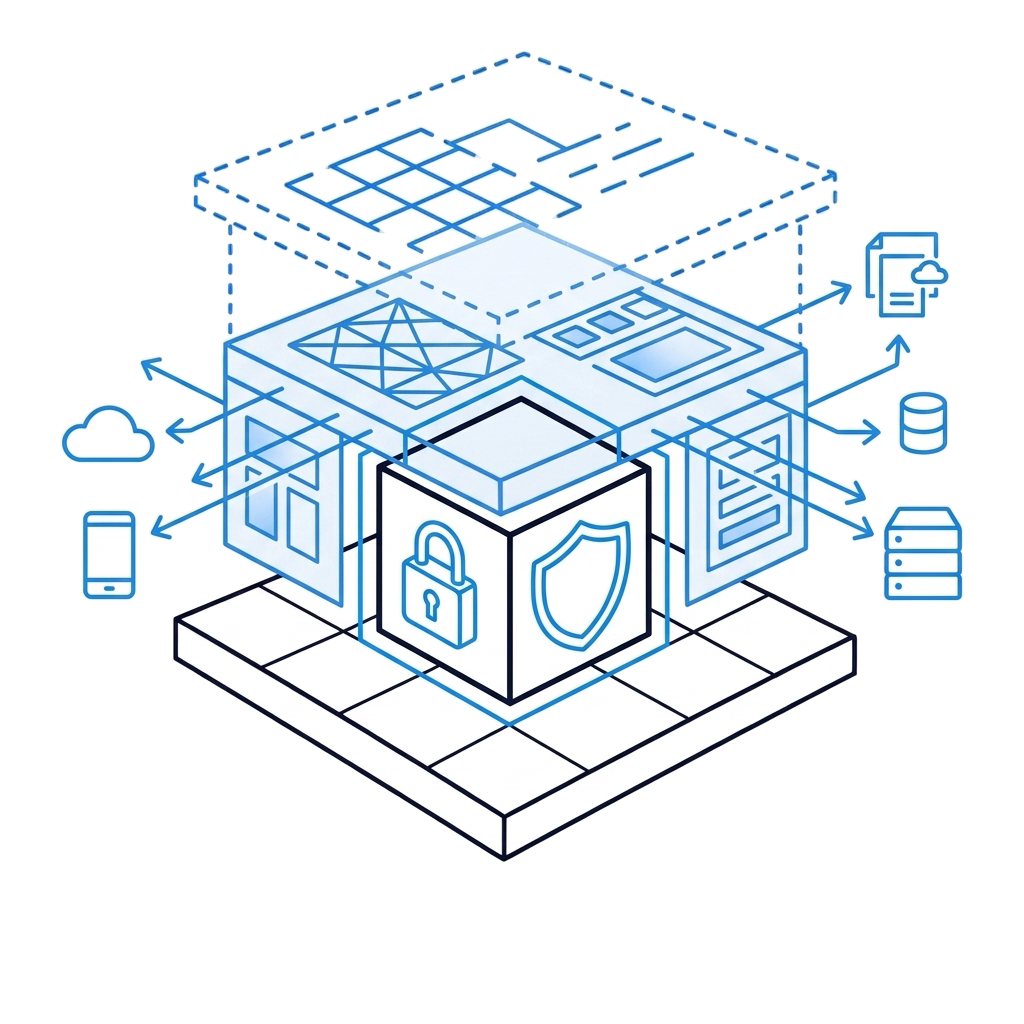
In-place system integration and process automation architecture powered by IBM Cloud Pak for Integration and Business Automation

A modern automation foundation built on proven enterprise infrastructure

Modernizing transaction processing does not require replacing your established business software. It requires an intelligent integration layer that routes information securely, applies business rules, and frees operational teams from manual administration.

IBM Cloud Pak for Integration (CP4I)

Connect systems in place with enterprise-grade reliability

Deploy API Connect, IBM MQ, and App Connect to exchange data between modern applications and core transactional systems with zero message loss or fragile custom scripts.

IBM Cloud Pak for Business Automation (CP4BA)

Read documents, apply rules, and route work automatically

Combine intelligent document processing, business rules (ODM), and workflow orchestration (BAW) to complete routine transactions automatically, escalating only true exceptions.

Foundation & Data Fabric Synergy (CP4D)

Power automated workflows with verified enterprise data

Run securely on Red Hat OpenShift across any cloud, with Cloud Pak for Data (CP4D) providing verified Golden Records so processes execute straight through without data errors.

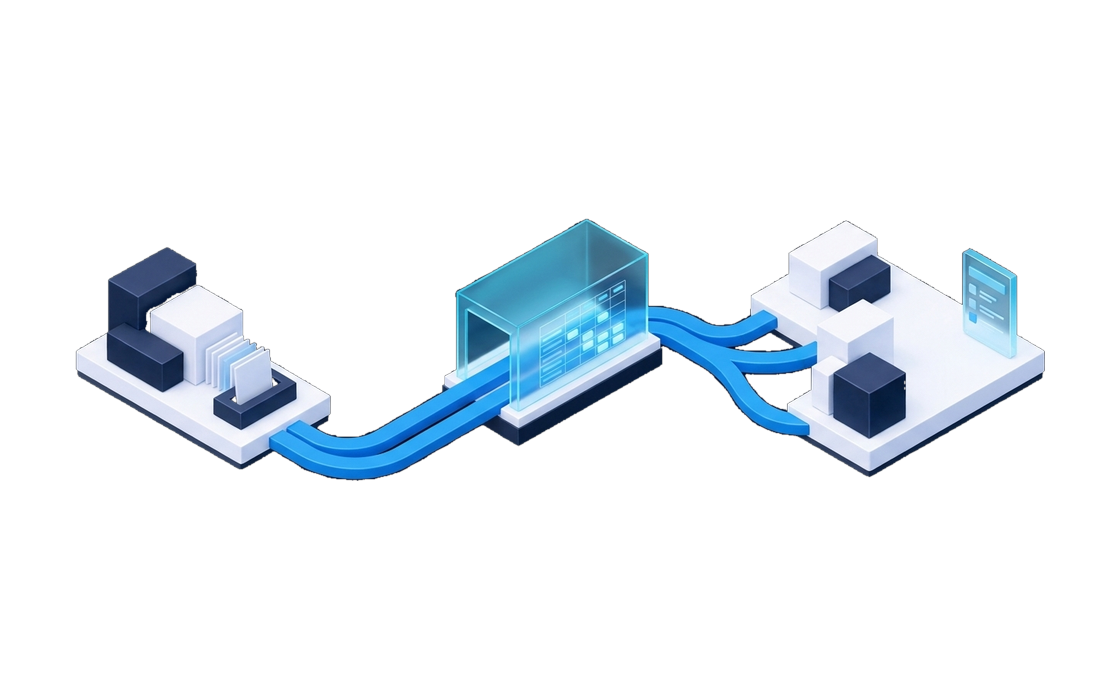
GrandView designs non-invasive architectures that eliminate manual transaction handoffs while keeping your existing business software completely intact.

See our approach to in-place integration →

Where are manual handoffs slowing your operations today?

Companies rarely modernize integration software just for the sake of an upgrade. They act when customer orders take days to fulfill, staff spend hours retyping documents, or custom scripts break when a database updates.

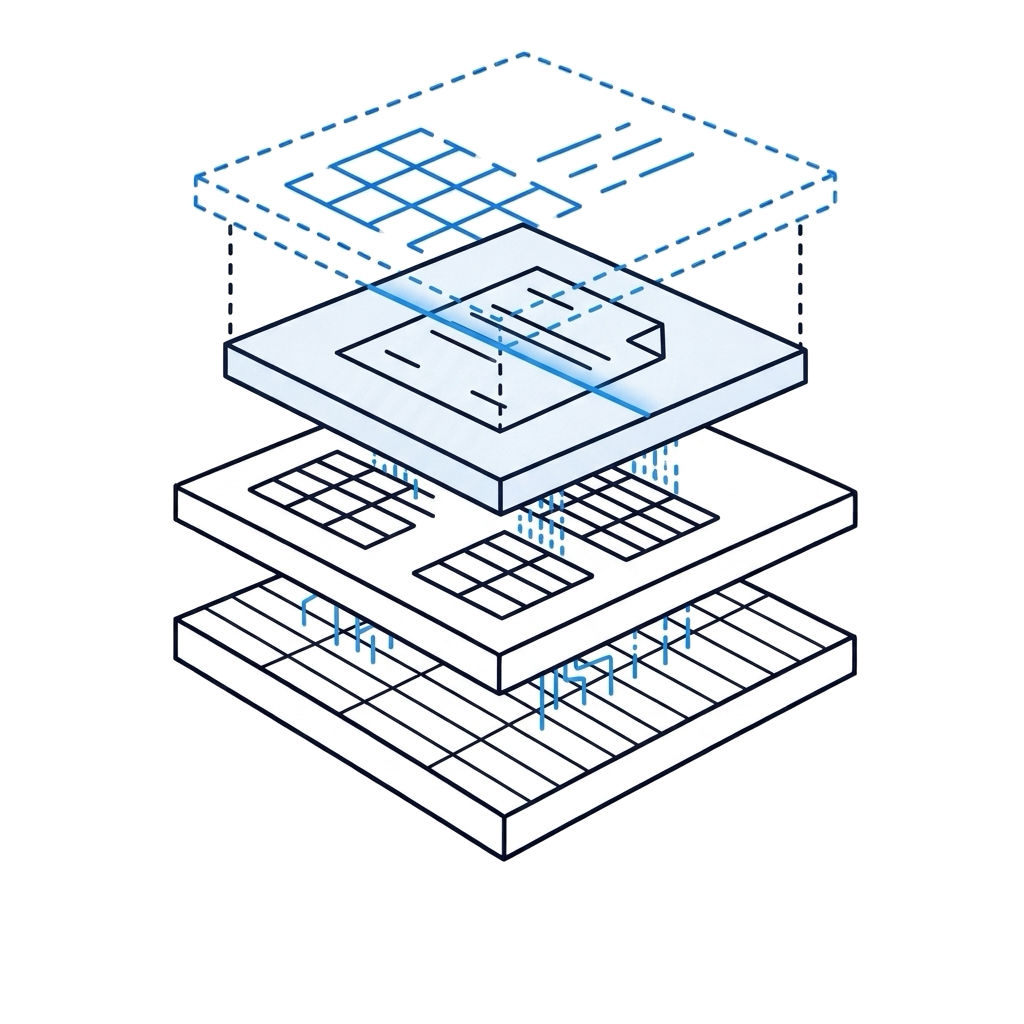
Automated document processing extracting data from incoming PDFs directly into core systems

Retyping documents and forms by hand

Invoices, claims, and onboarding packets arrive as PDF files, requiring staff to copy data manually across multiple screens.

Intelligent document processing reads incoming files automatically, validates details, and enters clean data directly into core systems.

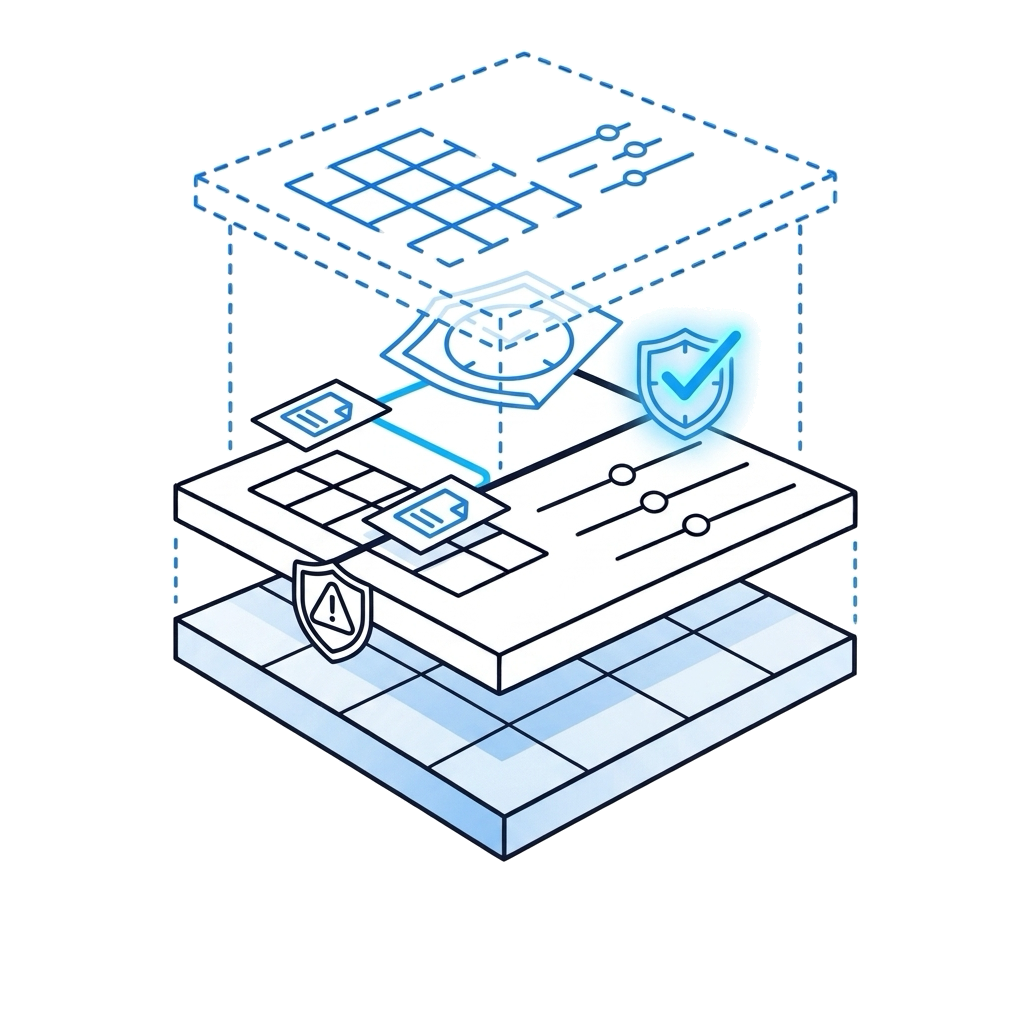
Automated business rules approving routine requests instantly and routing exceptions

Routine reviews waiting in email inboxes

Purchase requests, pricing reviews, or credit checks wait days for sign-off because items get lost in email inboxes without clear tracking.

Automated business rules evaluate standard requests instantly, forwarding only genuine exceptions to managers with full context.

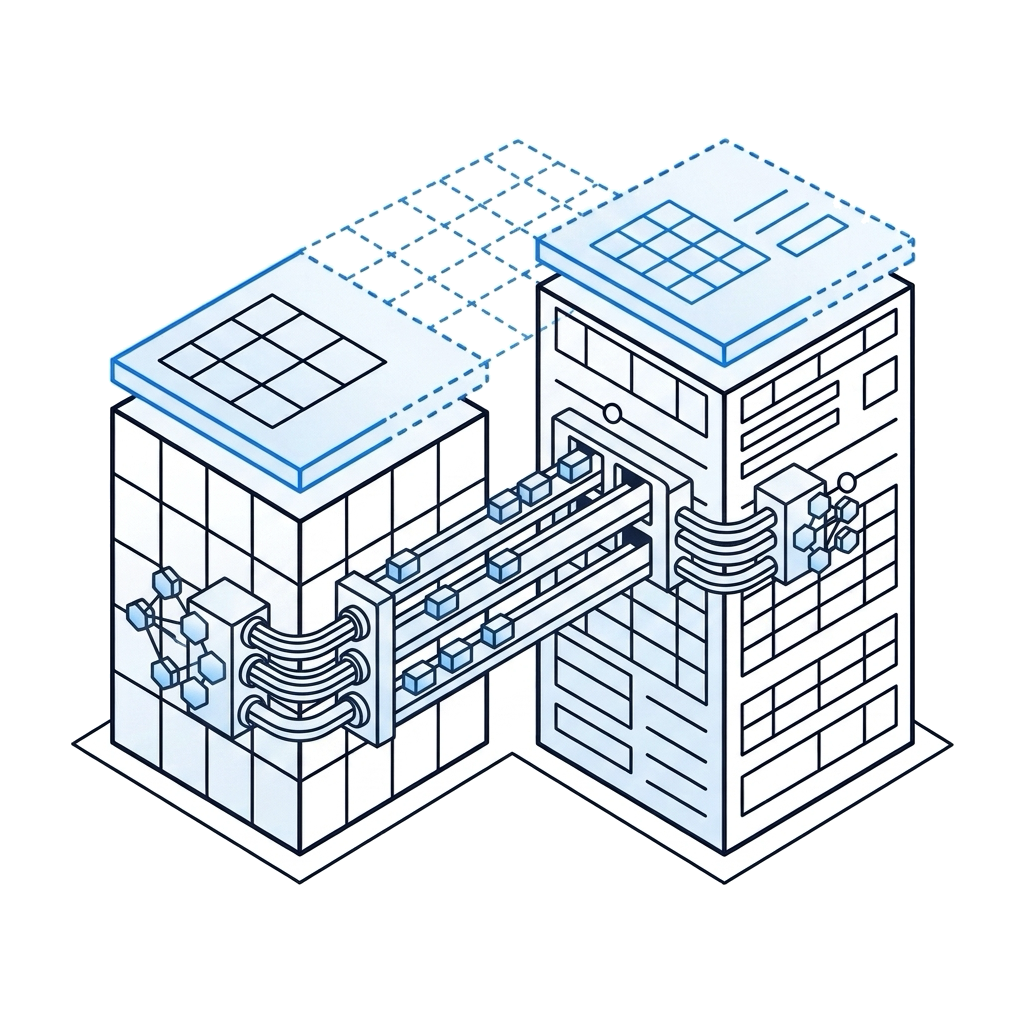
Managed API connections and message queues replacing brittle custom scripts

Custom scripts that break when fields change

Critical business applications rely on custom file transfers and batch scripts that stop moving data whenever a format changes.

Managed API connections and message queues transfer data reliably and handle network interruptions automatically.

In-place integration wrapping legacy core systems with secure API connections

The hesitation to replace core systems

Leadership wants modern digital services, but replacing core ERP or mainframe software carries too much cost, delay, and operational risk.

Wrap existing systems with secure API connections that expose business capabilities without touching proven core code.

A controlled, in-place automation architecture
Connect existing systems in place (CP4I) Automate routine reviews & approvals (CP4BA) Feed workflows with verified data (CP4D)

GrandView audits your operational transaction flows first, mapping where work slows down before recommending software changes.

The delay appears in turnaround time The cause sits across disconnected software and manual steps

Operational Friction Visible Symptom Hidden Friction What Needs to Change
01 Application connectivity Adding new software requires months of custom coding; updates break existing links Point-to-point scripts lack centralized management and automated retry logic A unified CP4I integration layer managing APIs and data formatting in place
02 Message delivery Orders or updates drop during peak periods; teams spend hours searching for lost files File transfers lack delivery confirmation and resilient queue persistence Reliable IBM MQ message queues ensuring guaranteed delivery with zero data loss
03 Operational decisioning Standard approvals take days to clear; managers apply company rules inconsistently Business policies remain buried in static manuals, spreadsheets, and memory CP4BA business rules (ODM) and workflows (BAW) executing consistent policies in seconds
MEASURED OPERATIONAL OUTCOME
70% faster transaction cycle time

Operations teams cut document processing and approval times from days to minutes while eliminating manual retyping errors.

From fragmented operations to automated flow

How business operations run with in-place integration

We do not ask you to replace your core applications or retrain your entire workforce. We build an intelligent automation layer that connects your software, resolves administrative delays, and keeps your data reliable.

Document Intake & Processing

BEFORE AFTER

Invoices, shipping forms, and applications are reviewed manually, retyped into screens, and forwarded through email chains.

Software reads incoming files on arrival, verifies data against company records, and flags only exceptions for human review.

Approval & Review Chains

BEFORE AFTER

Purchase requests and approval tickets sit in inboxes for days, delaying customer orders and supplier deliveries.

Agreed business rules evaluate standard criteria in seconds, approving matching requests instantly and routing exceptions with full context.

System-to-System Synchronization

BEFORE AFTER

Overnight batch scripts update CRM, ERP, and warehouse platforms, leaving staff working with outdated numbers during the day.

Secure API connections and message queues synchronize records across platforms as events occur, keeping numbers consistent everywhere.

Auditability & Compliance Records

BEFORE AFTER

Proving who approved a specific transaction requires searching through email archives, chat messages, and separate spreadsheets.

Every document extraction, rule evaluation, and manager sign-off is logged automatically in a central audit record.

From assessment to live automation: GrandView maps your transaction flow before recommending software changes.

Explore the assessment deliverables ↓
Operational Workflow Architecture

Automate routine transactions while keeping core systems stable

A three-stage operational workflow uniting CP4BA document capture, CP4I API routing, CP4D data verification, and automated rules.

Incoming Vendor Invoice CP4BA Document Processing
Document Source Email PDF · Acme Supply Co.
Extraction Engine CP4BA Optical Parsing
Invoice Number #84920
Line Items Parsed 8 distinct billing lines
Total Amount $14,250.00 USD
Data Validation 100% Optical Confidence ✓
Read and structured with zero manual typing
Completed in 1.2s
SELECT A STAGE TO INSPECT TRANSACTION FLOW

Read and extract document details automatically

Extract invoice numbers, line items, and customer data as soon as documents arrive, eliminating manual retyping.

WHAT HAPPENS AUTOMATICALLY Cuts manual data entry by up to 90%

CP4BA Intelligent Document Processing (IDP) parses incoming files into structured records matched against internal master data.

A clear basis for your integration and automation strategy

You receive complete visibility into your current software connections, a clear review of where work slows down, and a working prototype before committing to production deployment.

From assessment to live automation GrandView provides the workflow review, the business rules blueprint, and the working prototype before production rollout.

Plan your integration assessment

A clear process, built around your business operations

Your teams continue processing daily transactions on existing software without interruption while we configure, test, and validate your integration layer in parallel.

Identify delays and map application connections

We analyze transaction volumes, review where staff retype data between systems, and map your existing software connections without touching live operations.

TALK THROUGH YOUR INTEGRATION AND AUTOMATION GOALS

Discuss where disconnected software is creating delays, where staff spend too much time retyping documents, or how to connect modern services to your core systems. You will speak directly with an enterprise integration practice principal—no junior sales reps, no generic software demonstrations.

Schedule an Advisory Call
Steve Johnson, COO & Practice Principal at GrandView
Steve Johnson COO & Practice Principal GrandView Integration Practice
IBM Business Partner 20+ years leading enterprise integration and operational workflow automation